



Print-Ready Upload
Upload your print-ready gang sheet
Already arranged your designs in Photoshop, Illustrator, Canva, or Procreate? Drop your finished file here and we’ll print it exactly as you laid it out on a 22″ wide sheet.
As low as $0.025/sq in · No setup fees · Fast turnaround
How it works
From upload to doorstep in three steps
Drop your file
PNG with a transparent background, sized to 22″ wide × however tall you need (up to 150″). Our system reads the dimensions and quotes you instantly.
We print it
Your file goes straight to the DTF printer, typically the same business day.
We pack & ship
Once printed, your sheet is rolled, sleeved, and shipped via tracked USPS or UPS. No minimums, no setup fees.
Prep your file
Print-ready means three things
If your file checks all three boxes, you’re good to upload. If it doesn’t, our gang sheet builder can lay it out for you instead.
Dimensions
22″ wide, between 5″ and 150″ tall. Anything narrower wastes paid space; anything wider gets cropped at the printer. Pricing is per square inch of the bounding box, tiered by sheet length (as low as $0.025/sq in).
CMYK color
We print true four-color CMYK only. Send sRGB or CMYK.
File format
PNG with transparent background, 300 DPI. Flattened, no editable layers. PNG only; other formats will be rejected at upload.
Helpful guides
New to gang sheets? Start here.
Designing in Canva? These step-by-step guides cover everything from setting up your canvas to exporting a print-ready file.
How to make a DTF gang sheet in Canva
Canvas setup, layout, and how to pack the most designs onto a 22″ wide sheet.
Read the guide →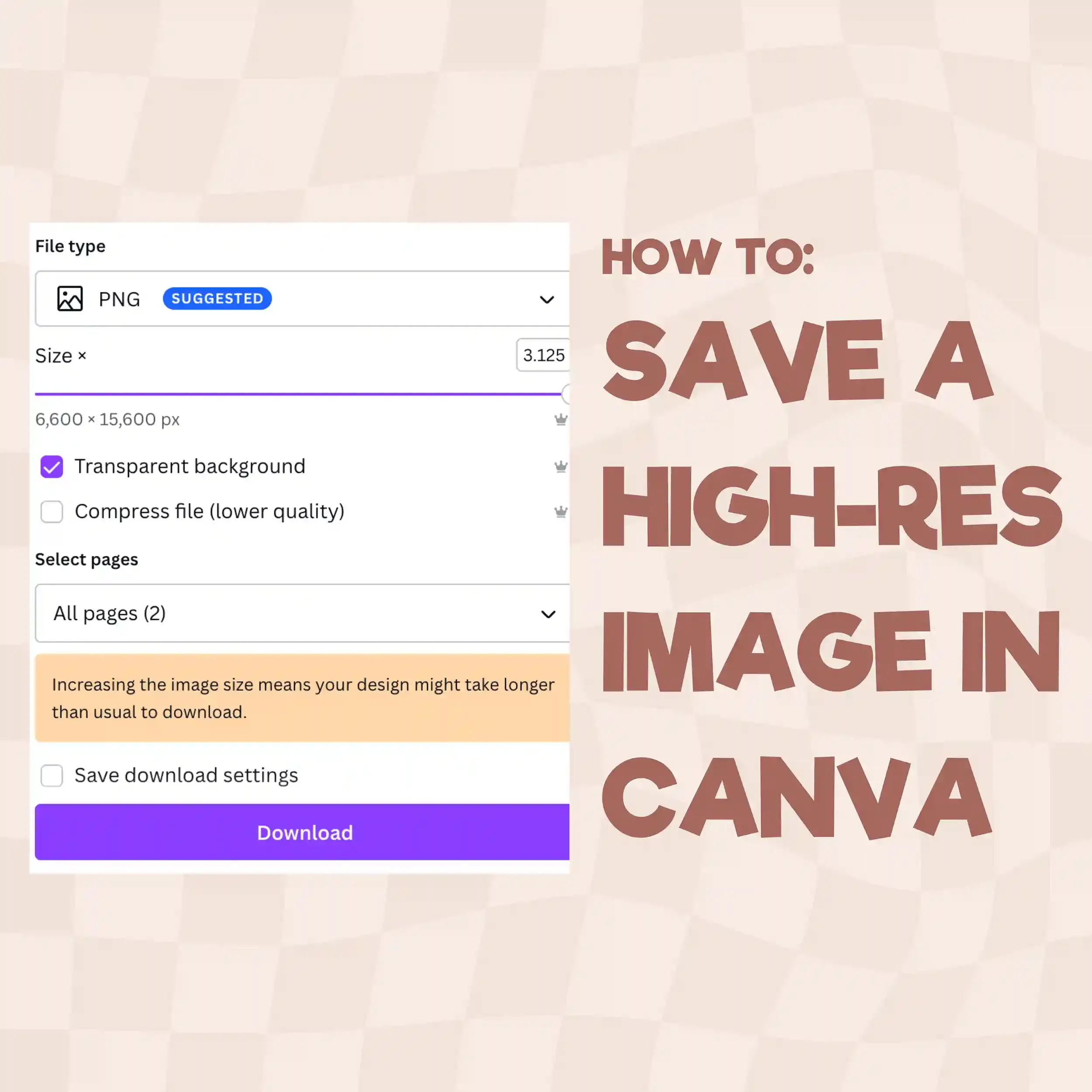
Exporting print-ready files from Canva
Save your gang sheet at 300 DPI with a transparent background so it’s upload-ready.
Read the guide →
Canva for DTF transfers
The full walkthrough for designing print-ready DTF artwork in Canva.
Read the guide →From the Printer
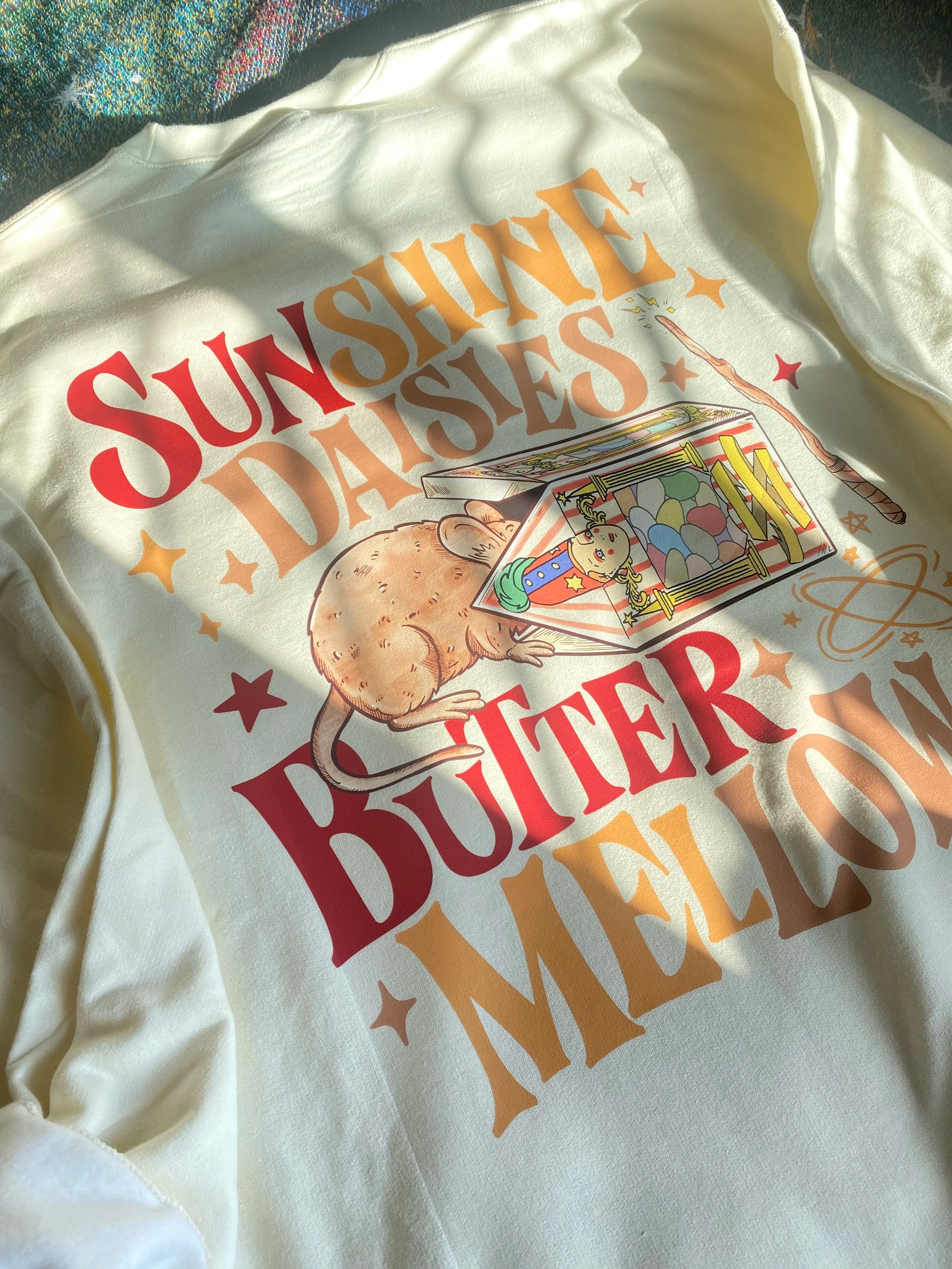
Recent customer uploads, printed
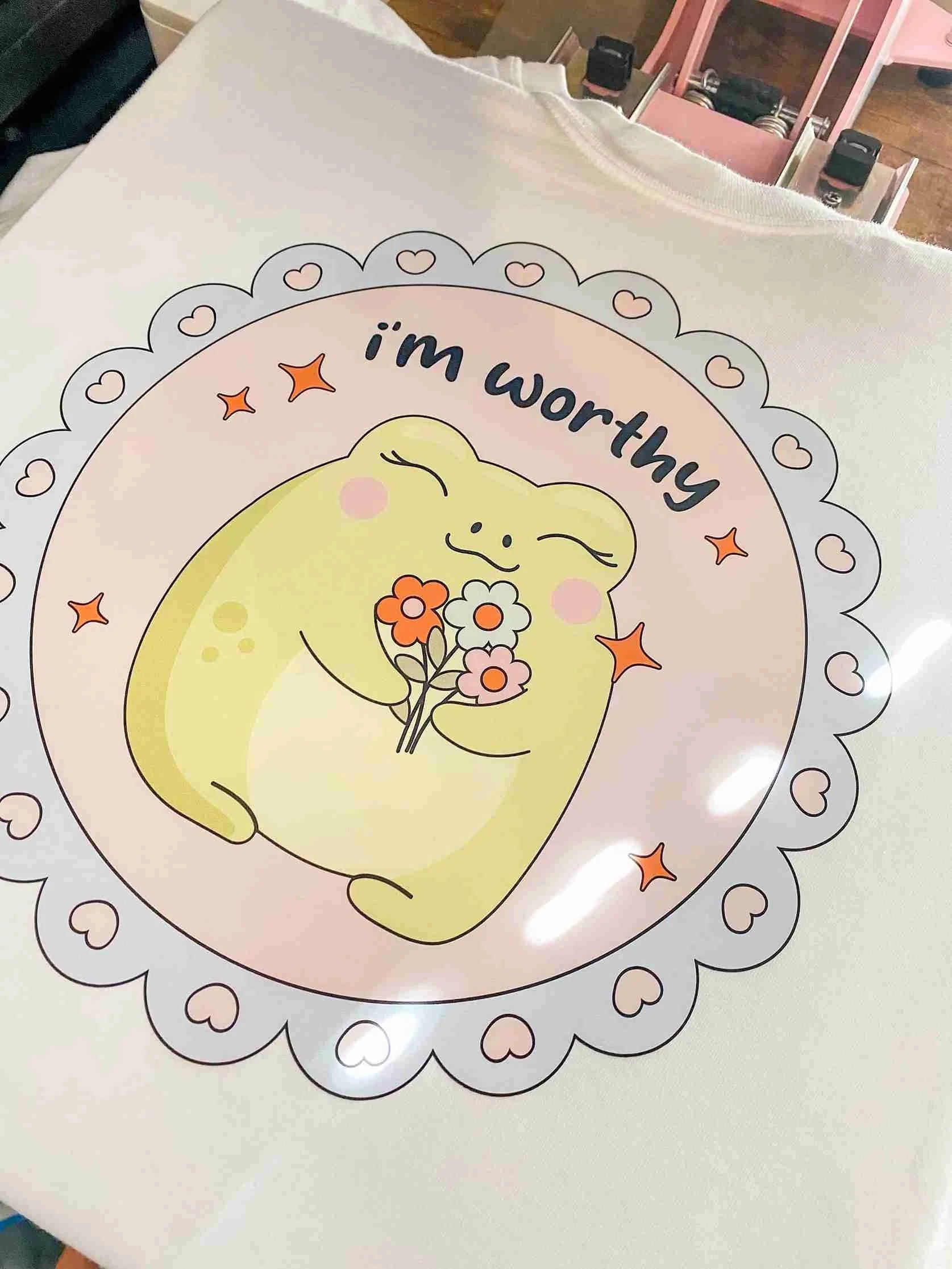
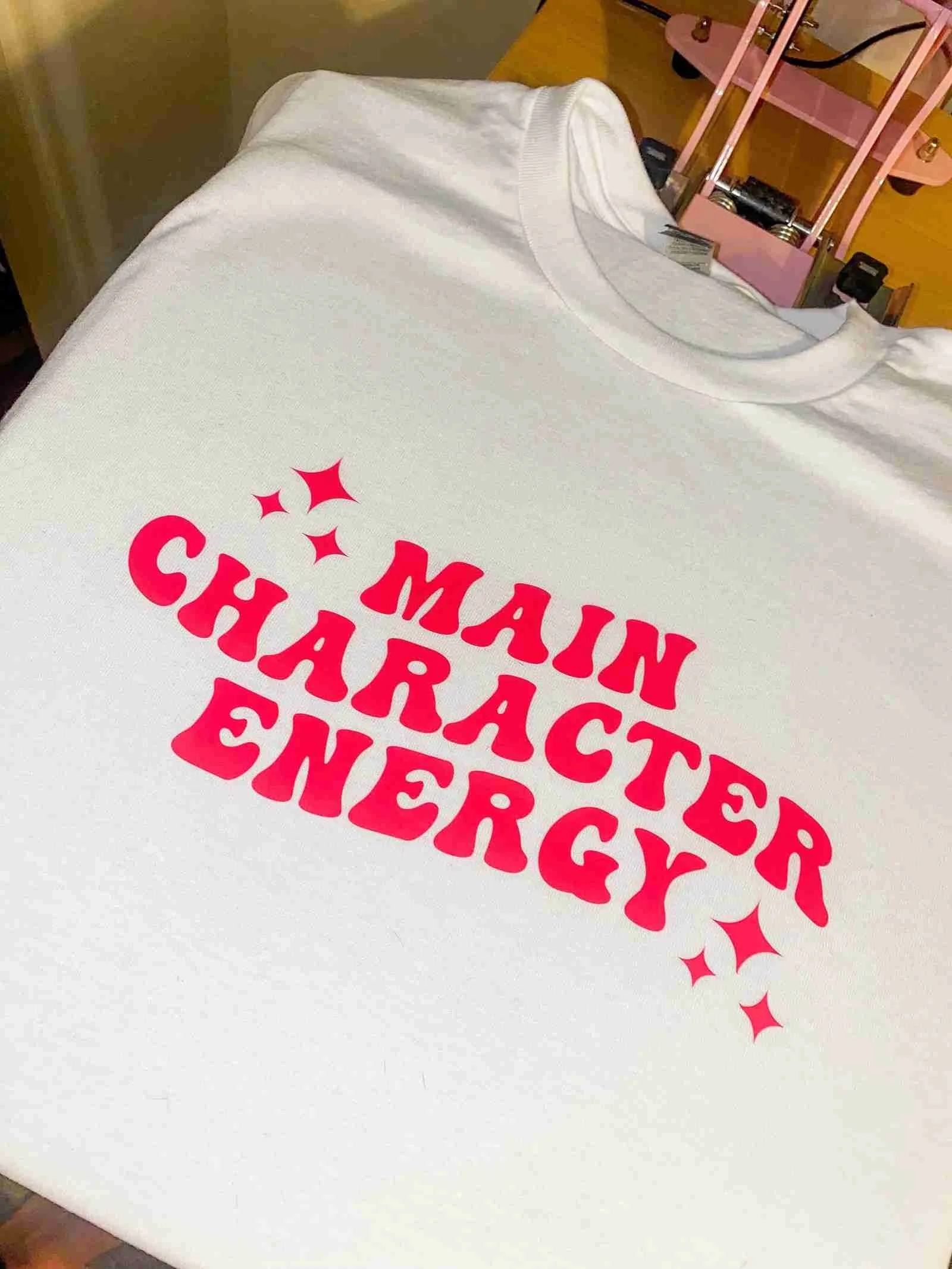
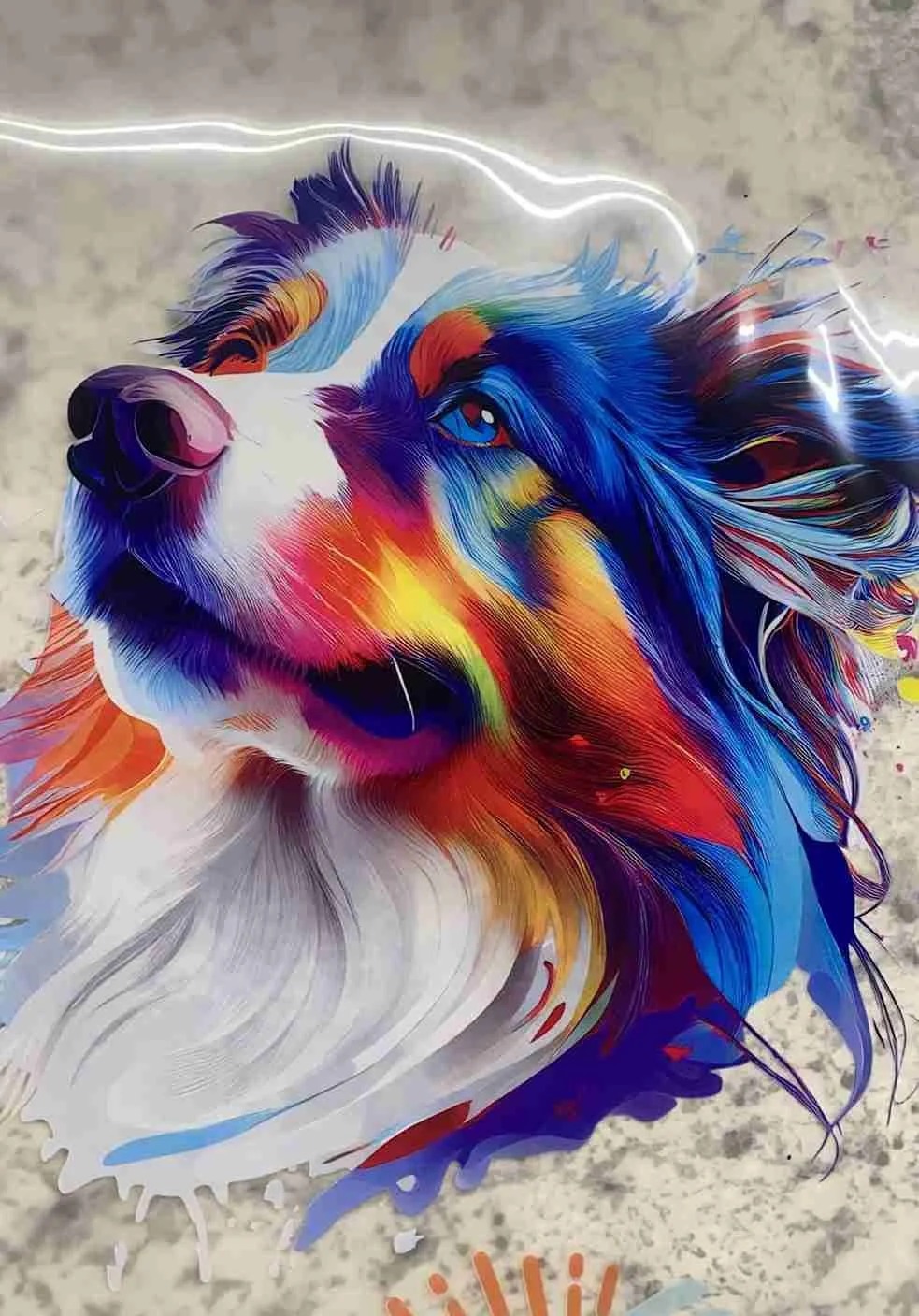
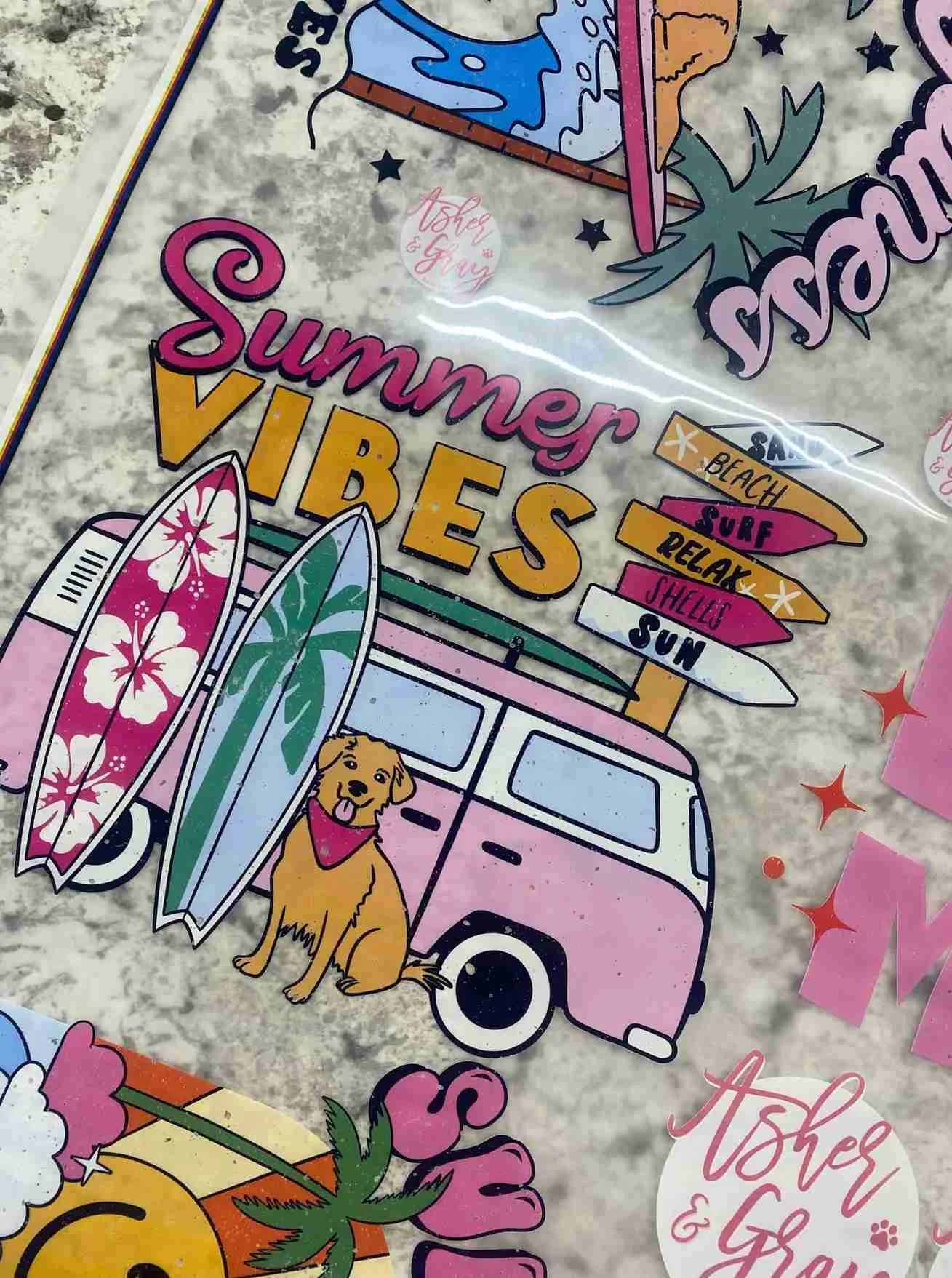
Real prints from real customers. Each one started as an upload, no builder required.

FAQ
Common upload questions
What file format should I send?
PNG with a transparent background at 300 DPI. That’s the file we can drop directly onto the printer with zero conversion. We only accept PNG; other formats will be rejected at upload.
How big can my gang sheet be?
22″ wide is fixed (that’s our printer width). Length runs from 5″ all the way to 150″. Anything longer needs to be split into multiple sheets; our team can help if you have a big run.
What if my resolution is too low?
Our builder and uploader both calculate the effective DPI at print size as you drop your file in, and show you the exact number. Below 150 DPI you’ll see a warning, but you can still place the order. If you made your file in Canva, follow our high-resolution export guide first.
What heat press settings should I use?
- 300°F (149°C) for 10-15 seconds using medium to heavy pressure.
- Allow the product to cool to the touch and cold peel.
- Using a teflon sheet, do a second press for 10 seconds; this ensures the edges of the designs are seated.
How fast do you ship?
Orders placed by 12 PM AZ time ship Monday through Friday within 72 hours. Faster shipping methods are available at checkout. Tracked USPS / UPS shipping; typical transit is 2–5 business days nationwide.
Build vs. upload: which should I pick?
Upload if you’ve already arranged everything in Photoshop, Illustrator, Canva, or Procreate and just want it printed. Build if you have individual design PNGs and want our gang sheet builder to pack them onto a 22″ sheet automatically.
How do I fit the most designs on a sheet?
Pricing is per square inch of the bounding box, so packing designs tightly means a lower cost per design. Group designs of similar height in rows, rotate where it helps, and minimize gaps between them. Leave a small amount of space around each design so you can cut them apart cleanly after pressing.
How do I design a gang sheet in Canva?
Plenty of customers design their sheets in Canva. We have a full walkthrough covering canvas setup, packing designs efficiently, and exporting a print-ready file. Read the Canva gang sheet guide →
How do I export a high-resolution PNG from Canva?
Canva’s default export can drop you below 300 DPI without warning. Our step-by-step shows the exact export settings that produce a true print-ready PNG. Read the high-res export guide →
How many designs can I fit on one gang sheet?
It depends on the size of each design and how tightly you can pack them onto a 22″ wide sheet. We break down typical fits for common print sizes (4×4, 11×11, hat-sized, etc.) in this guide. See how many fit →
 Get insider perks